
We will now build the outline for our first web project.
The –webapp option installs all the packages that you usually need to build web applications.
But we get an error.
cd Projects/ symfony new firstproject --version="6.0.*" --webapp https://get.symfony.com/cli/installer -O - | bash |
Author identity unknown
*** Please tell me who you are.
Run
  git config --global user.email "you@example.com"
  git config --global user.name "Your Name"
to set your account's default identity.
Omit --global to set the identity only in this repository.
fatal: unable to auto-detect email address (got 'strider@boxer.(none)')
  exit status 128
|
This is because you do not have a GIT account registered with your workstation.
We do want this as we will be using it later.
Setting up GIT
Go to https://github.com
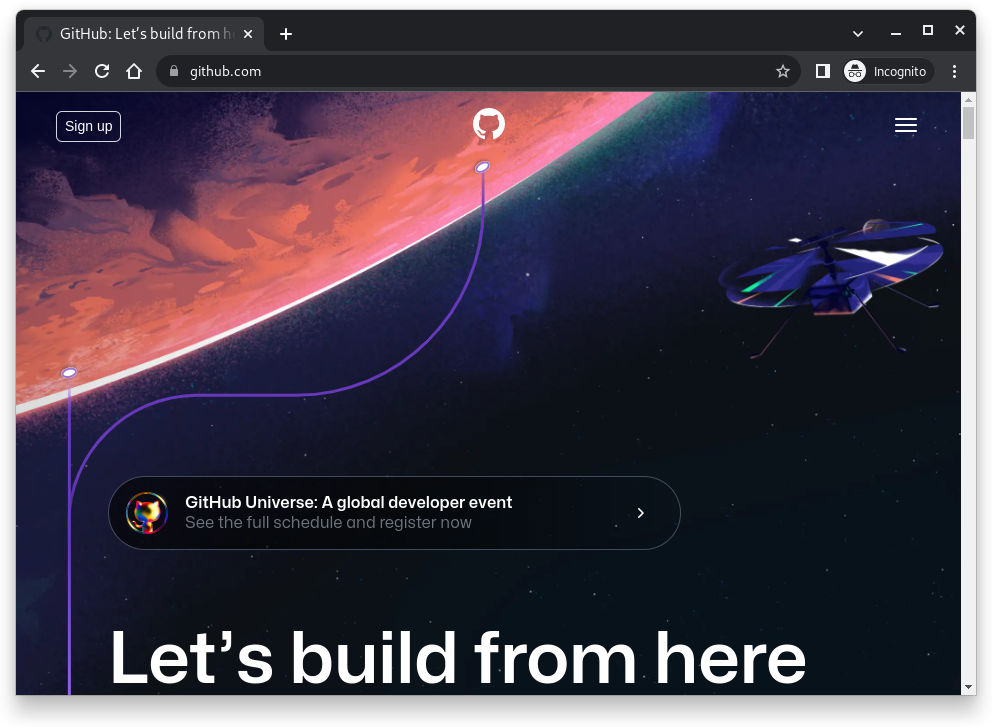
And click on the Sign up button.
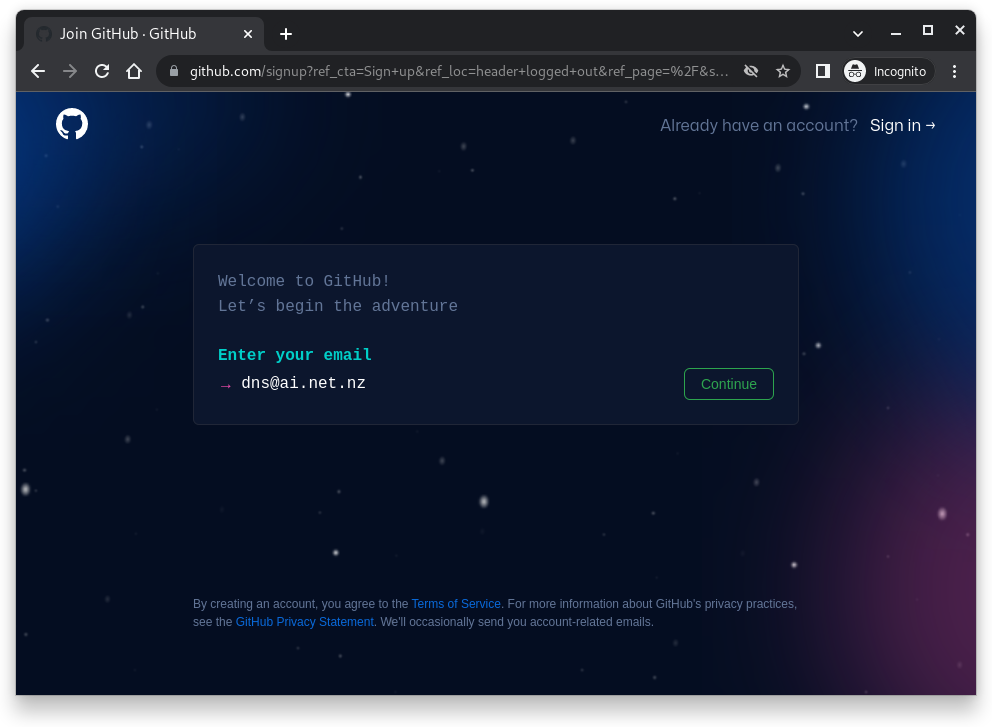
Enter your email address. Click continue.
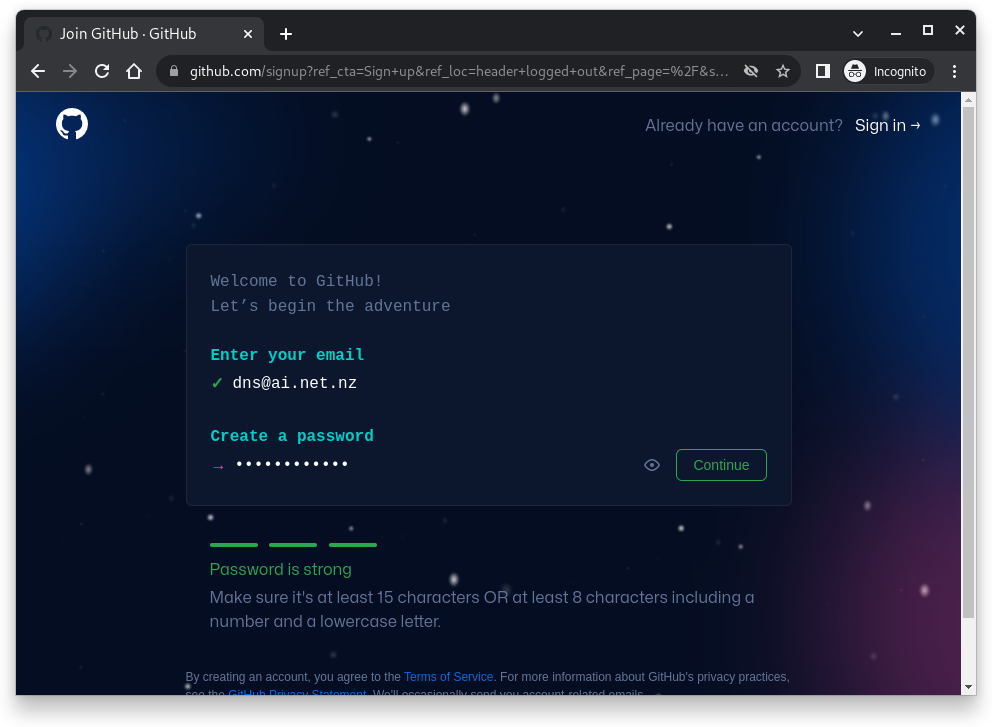
And a strong password. Click continue.
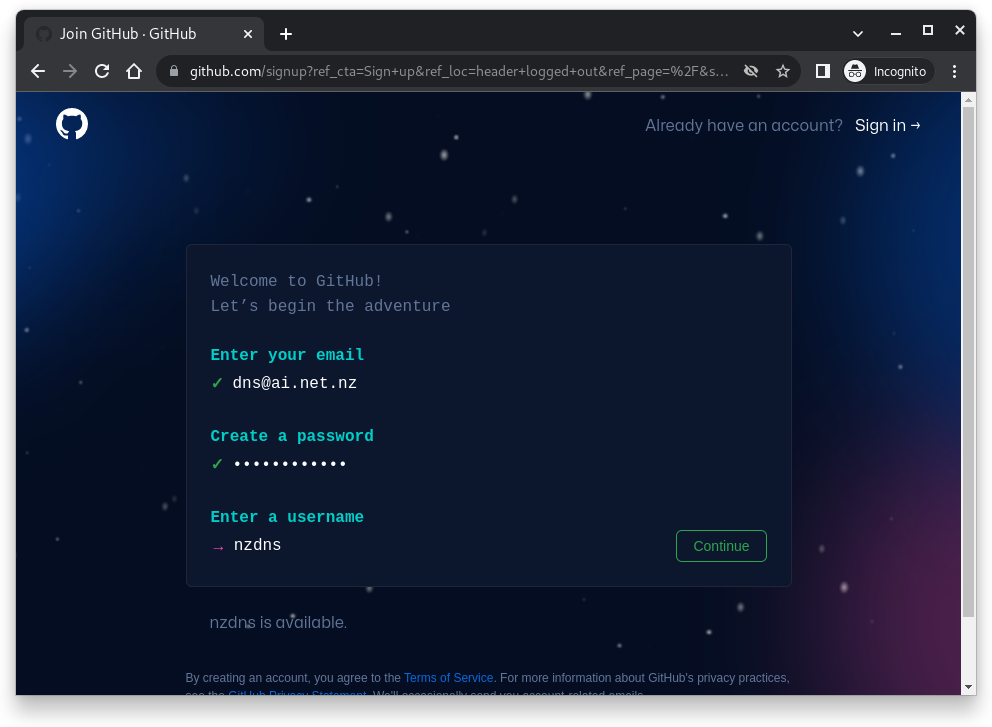
And a username. Click continue.
You will be asked if you want to receive emails; I answered N.
You will have to solve a puzzle to prove you are human.
Finally, click on Create Account.
You will receive a confirmation at your email address. Enter it here.
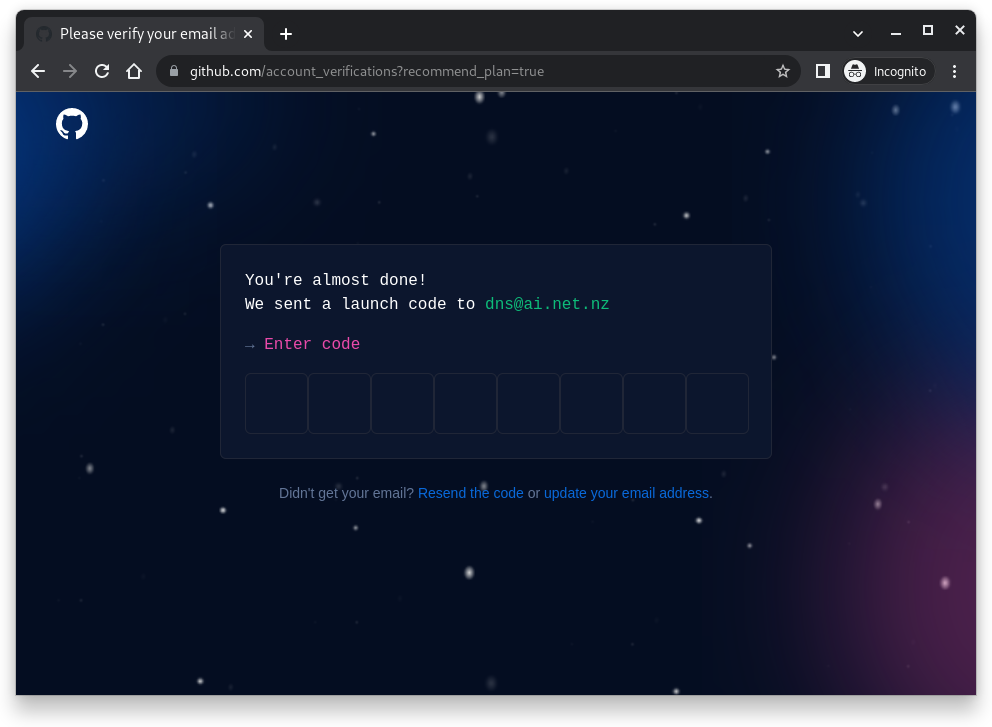
Once you have put the code in, you will be asked how many team members you have; answer Just Me and that you are a Student.
Click Continue.
You do not need to tick any of the next boxes.
Click Continue.
We want a free account, so click Continue for free.
Done.
Now we need your workstation and your user to know that you have a GitHub account.
git config --global user.email "dns@ai.net.nz" |
Let’s create a new project.
cd Projects/ symfony new myproject --version="6.0.*" --webapp |
* Creating a new Symfony 6.0.* project with Composer
  (running /usr/local/bin/composer create-project symfony/skeleton /home/strider/Projects/myproject 6.0.* --no-interaction)
* Setting up the project under Git version control
  (running git init /home/strider/Projects/myproject)
  (running /usr/local/bin/composer require webapp --no-interaction)
 [OK] Your project is now ready in /home/strider/Projects/myproject
|
This gives us an active project.
cd my project ls bin docker-compose.override.yml public tests composer.json docker-compose.yml src translations composer.lock migrations symfony.lock var config phpunit.xml.dist templates vendor |
Now we want to start the web server.
symfony server:start |
This starts the server and starts giving messages.
[OK] Web server listening
      The Web server is using PHP FPM 8.0.25
      http://127.0.0.1:8000
|
In a browser, go to http://127.0.0.1:8000
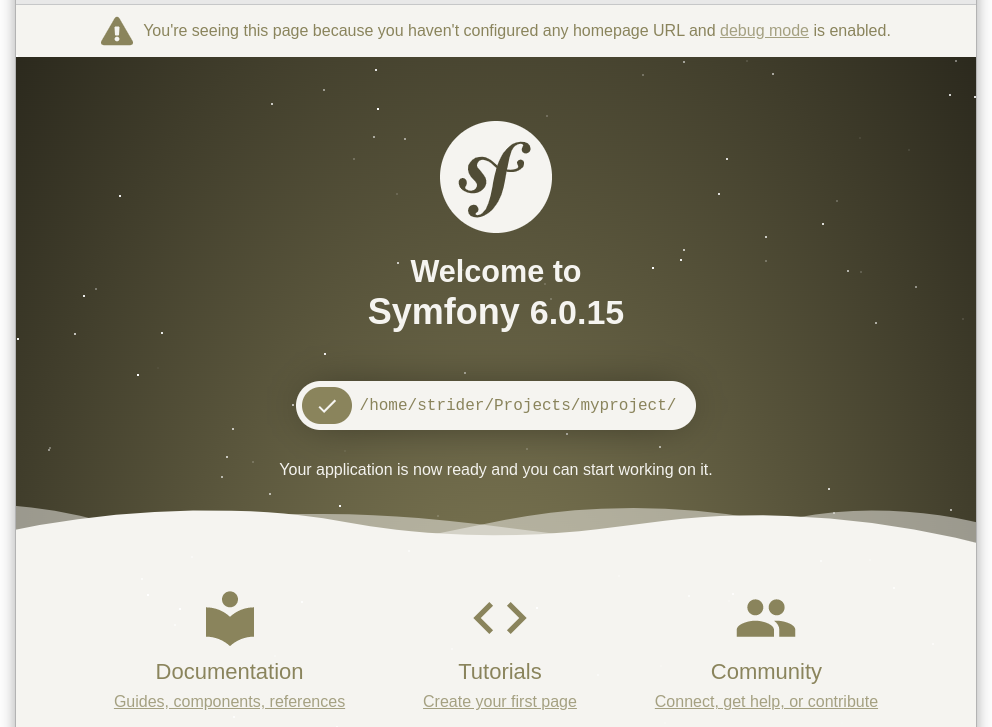
You can see this screen when the Symfony server is running, but there is no active code.